
Tips
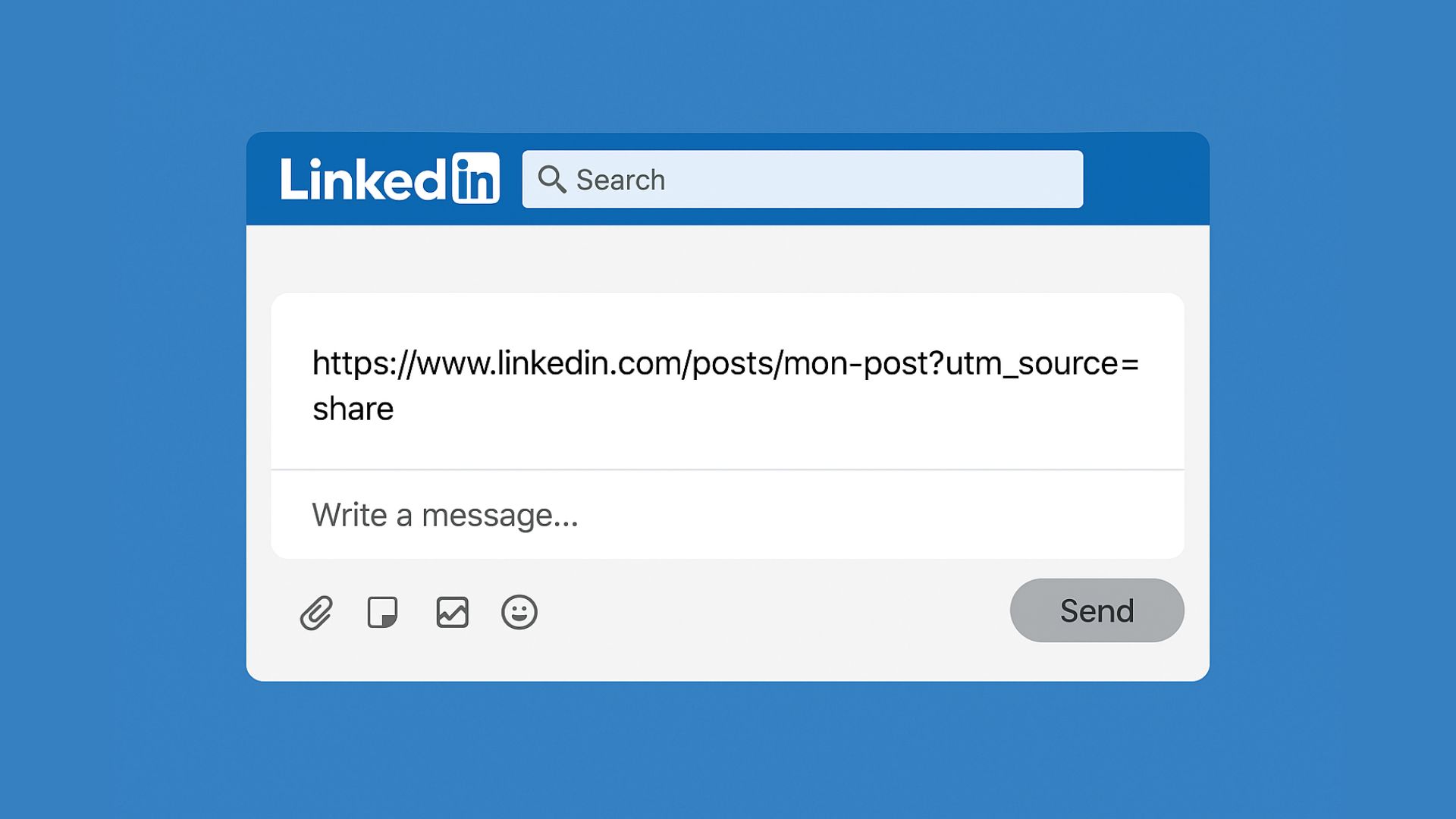
We often spend hours thinking about the perfect LinkedIn post: the right angle, the right hook, the right time, the right image… But there’s a tiny detail, almost invisible, that can seriously hurt your performance without you even realizing it: the UTM tracker in the links you share.
No worries, we’ll explain everything.
Before even talking about clean links or UTMs, there are a few essential best practices to ensure your posts are actually seen and perform well. Here are the key points to keep in mind:
The first hour is crucial. The faster you respond, the more LinkedIn understands that your post is generating real interaction. And don’t forget: a comment of more than 10 words is valued far more than a short reaction. LinkedIn sees this as a “rich” interaction—more authentic and more engaging.
→ Result: increased reach.
Never include them! The algorithm heavily penalizes any content that drives users off the platform.
Handle with care! LinkedIn only tolerates minor corrections within the first hour. After that, any significant change can drastically reduce reach by resetting the post’s distribution.
Show real people: faces, real moments, natural photos. And favor carousels—they are far more engaging than simple posts.
Aim for moments when LinkedIn is hungry… just like you. Tuesdays and Thursdays around 11:30 a.m. are often good time slots: just before lunch, when many people are scrolling while waiting to eat. That said, it also depends on your audience—there’s no universal rule. These are benchmarks to test, analyze, and adjust based on what works best for you.
When you share a LinkedIn post by copying its link, it often contains extra text, such as:
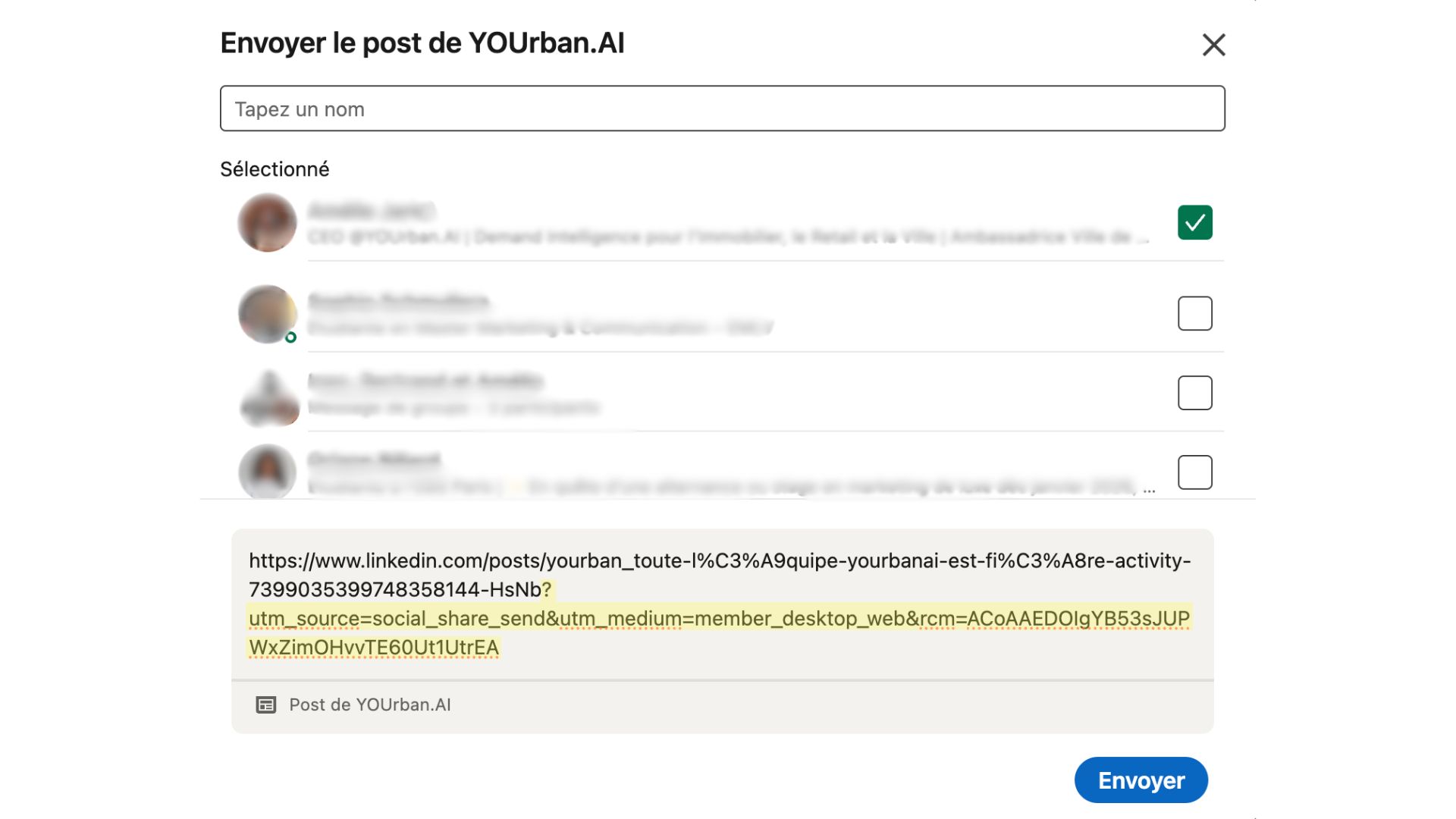
?utm_source=share…
This small piece of code is normally used to track where clicks come from. Very useful for marketing—but much less so for the organic reach of your posts.
LinkedIn’s algorithm constantly tries to distinguish authentic engagement from coordinated sharing. Using links with UTM parameters can signal to the platform that a post is part of an organized campaign rather than a spontaneous action. By favoring “clean” links, you encourage more natural distribution, as the algorithm tends to reward content that does not appear artificially boosted.
It’s very simple : just delete everything that comes after the question mark in the URL.
Before: https://www.linkedin.com/posts/my-post?utm_source=share
After: https://www.linkedin.com/posts/my-post
By applying this small step to every share, we’ve seen clear improvements on our own posts:
More reach
More impressions
More engagement
Smoother distribution across our teams’ networks
And that’s exactly the kind of content the platform likes to promote.
Feel free to share your feedback with us!
Tips
May 19, 2025

Trends
May 19, 2025

Trends
May 19, 2025
.png)

